The Art Of Toning
SKU 00017
$50.00
The Art Of Toning
Product Details
✔ Complete toning workflow — 7 minutes
✔ 2 layered Photoshop files with all layers
✔ 30-day money-back guarantee
Video Lesson: The Art of Toning
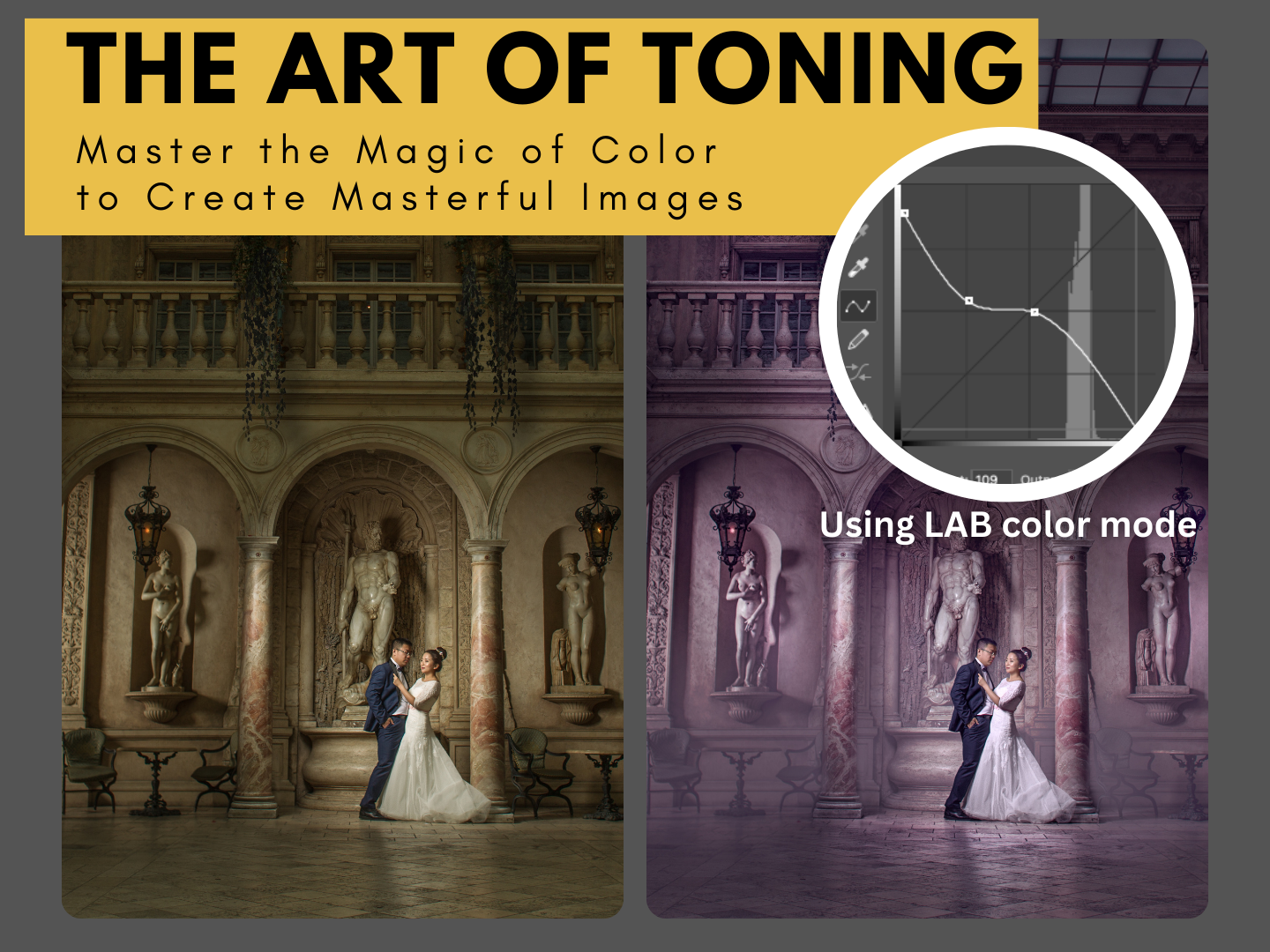
Master the magic of color with Lab toning in Photoshop.
Learn the exact toning technique behind my fine art images — short, focused and ready to use on your own photos. This is not a preset. You see every layer, every step, and why it works.
Why Lab toning gives cleaner color
Most photographers tone their images in RGB, and the colors quickly become muddy. In the Lab color space, color is separated from brightness. This lets you shift the color mood of the whole image without dirty tones and without losing detail.
In this lesson I explain what the Lab color space is and show how to use Lab curves to create a unique, personal color look — while keeping the skin tones natural.
What you will learn
- what the Lab color space is and why it gives you advanced color control
- how to work non-destructively with a Smart Object
- how to tone an image with the A (green/magenta) and B (blue/yellow) curves
- how to protect skin tones with a mask for a natural look
- how to avoid dirty colors and give your photos a signature look
Lesson outline
- Introduction: why toning matters
- Converting the layer to a Smart Object
- Switching to Lab color mode
- Toning with Lab curves
- Protecting skin tones with a mask
- Saving and applying the result
What's included
- 7-minute complete toning workflow video (MP4, 1080p, English)
- 2 layered Photoshop files — with all layers, including the Lab curves
- Step-by-step "Read Me First" guide
- Editing software: Adobe Photoshop
Open the Photoshop files and follow every step layer by layer.
Download Information
This product is a digital download only.
Your download links will appear right after purchase and will also be sent to your email. Links stay active for 6 months — please download and save the files to your computer.
Total download size: approximately 270 MB (video 79 MB + Photoshop files 191 MB). Please download on a computer with a stable internet connection.
30-day money-back guarantee. Try it risk-free.
Want the complete system?
This lesson is one part of the Fine Art Photoshop Complete Course — 12 lessons, 20 layered PSD files and over 12 hours of real editing.
You May Also Like
For Wedding Photographers

Wedding Bundle — 5 Lessons
Wedding Bundle — 5 Lessons
Downloadable fine art Photoshop wedding editing lessons with layered PSD files. Learn real depth, light, and elegant color — not presets. • 30-day money-back guarantee
$129.00
For Child Photographers
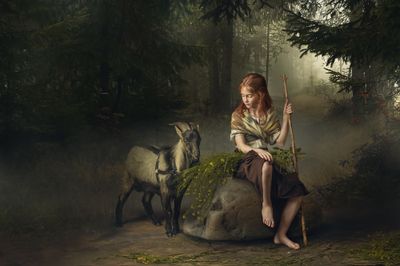
Children Bundle — 8 Lessons
Children Bundle — 8 Lessons
Downloadable fine art Photoshop lessons with layered PSD files. Learn real depth, softness, and atmosphere in child photography — not presets. • 30-day money-back guarantee
$149.00
BLACK FRIDAY −50%
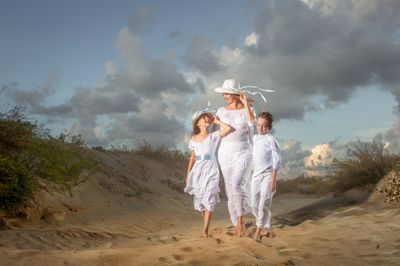
Complete Photoshop Editing Bundle — 12 Lessons
Complete Photoshop Editing Bundle — 12 Lessons
🔥 BLACK FRIDAY — $100 with code FINEART50 • 12 Photoshop video lessons • 20 layered PSD files • Brushes, actions & textures • Keep forever • 30-day money-back guarantee
$200.00
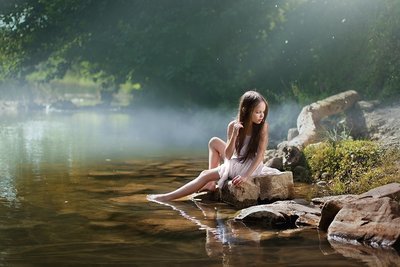
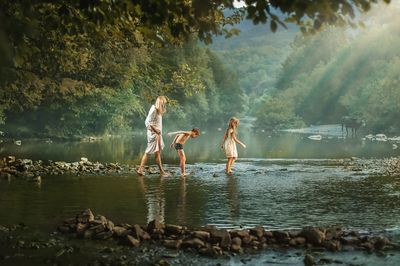
Video lesson "Children in the wood"
Video lesson "Children in the wood"
Full step-by-step editing workflow + 4 layered PSD files. See exactly how this photo was built — from RAW to final image. Not a preset.
$50.00

Display prices in:USD