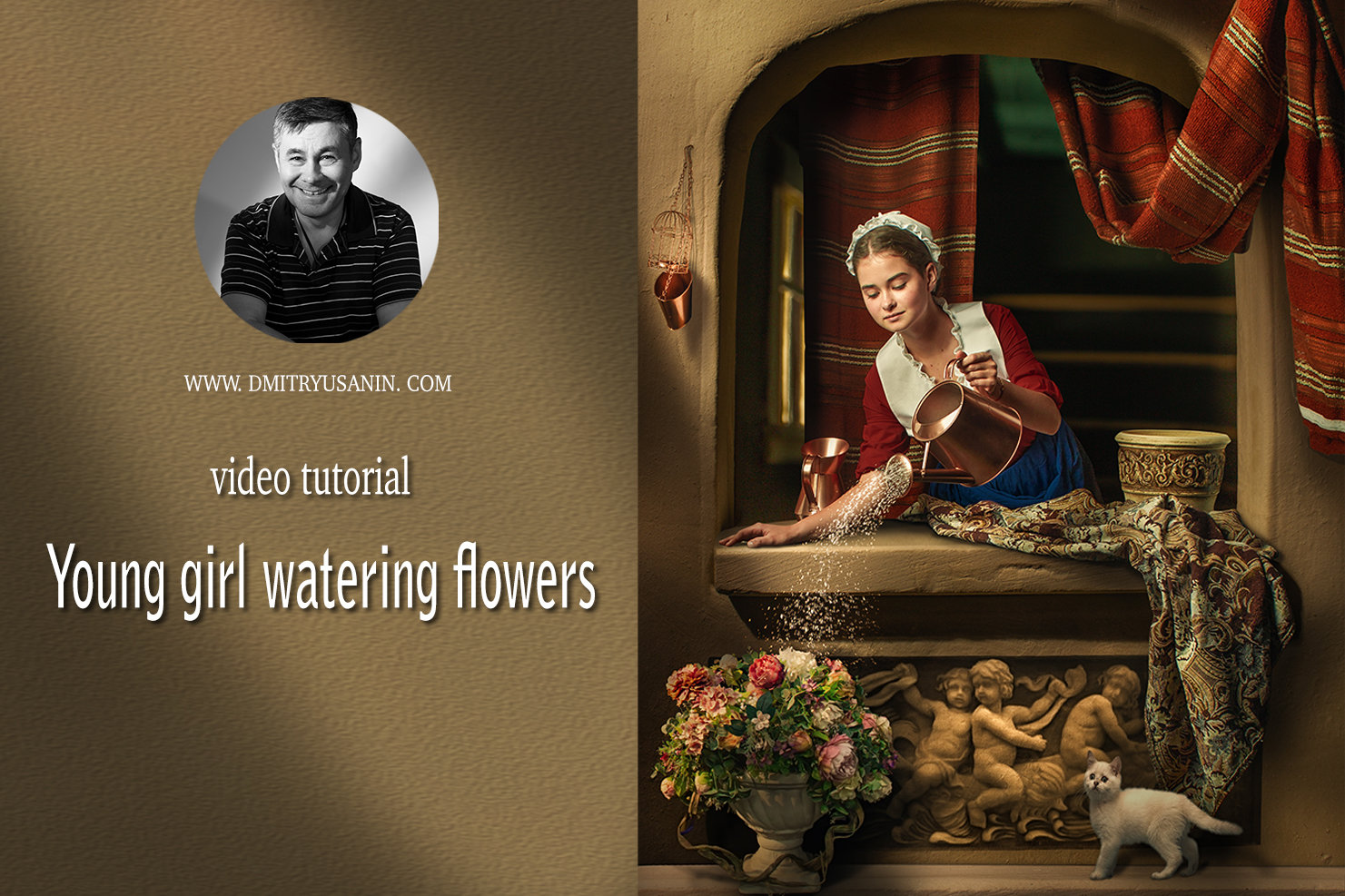
Video lesson "Young Girl watering flowers"
SKU 00013
$50.00
Video lesson "Young Girl watering flowers"
Product Details
✔ Instant digital download
✔ 73-minute full workflow
✔ Layered Photoshop file
✔ 30-day money-back guarantee
Video Lesson: Young Girl Watering Flowers
A fine art composite inspired by the window paintings of Gerrit Dou
In the 17th century, the Dutch master Gerrit Dou painted his figures framed in a stone window, as if they were leaning out of their home toward the viewer. In this lesson we recreate that atmosphere with photography and Photoshop. The result is an image that looks like an Old Master painting, not a photograph.
The image was built from two separate shoots. The model was photographed in the studio, and the window is a small handmade model of a house facade, photographed separately. In the lesson I show you the actual model in my hands: what it is made of and how it was photographed. Then I take you through the full Photoshop workflow of combining the two images into one believable scene.
Lesson Preview
Watch a short teaser showing the editing approach used in this lesson.
What you will learn
- how to cut out the model and place her naturally into the window
- how to match light, perspective and scale between two separate shots
- how to create realistic shadows, including contact shadows on the windowsill, hands and watering can
- how to refine the handmade model: stone texture, details and an aged look
- how to give the image a painterly feel: softness, texture and smooth tonal transitions
- how to tone the image in the color palette of the Old Masters
- how to guide the viewer’s eye with a light accent on the face and a darkened frame
Behind the Scenes
Most composite tutorials start with stock images. Here you see how the original elements were created: a studio portrait and a handmade miniature set. You will understand how to plan a composite before the shoot, so the pieces fit together in post-production.
What's Included
- Video lesson: 73-minute full workflow, 1080p (.mp4, about 920 MB)
- Lesson files: layered Photoshop file used in the lesson (.zip, about 276 MB)
- READ ME FIRST instructions
- Editing software: Adobe Photoshop
Download Information
This product is a digital download only. Download links arrive in your order confirmation email right after purchase.
Total download size: approximately 1.2 GB. Please download on a computer with a stable internet connection.
Links never expire. You can download the files again any time from your order email.
30-Day Money-Back Guarantee
If the lesson doesn't meet your expectations, write to me within 30 days and I'll refund your purchase. No questions asked.
Want the complete system?
This lesson is one part of the Fine Art Photoshop Complete Course — 12 lessons, 20 layered PSD files and over 12 hours of real editing.
You May Also Like
BLACK FRIDAY −50%
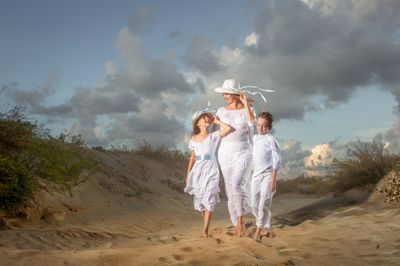
Complete Photoshop Editing Bundle — 12 Lessons
Complete Photoshop Editing Bundle — 12 Lessons
🔥 BLACK FRIDAY — $100 with code FINEART50 • 12 Photoshop video lessons • 20 layered PSD files • Brushes, actions & textures • Keep forever • 30-day money-back guarantee
$200.00
For Child Photographers
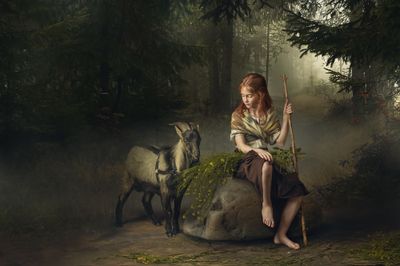
Children Bundle — 8 Lessons
Children Bundle — 8 Lessons
Downloadable fine art Photoshop lessons with layered PSD files. Learn real depth, softness, and atmosphere in child photography — not presets. • 30-day money-back guarantee
$149.00
Display prices in:USD