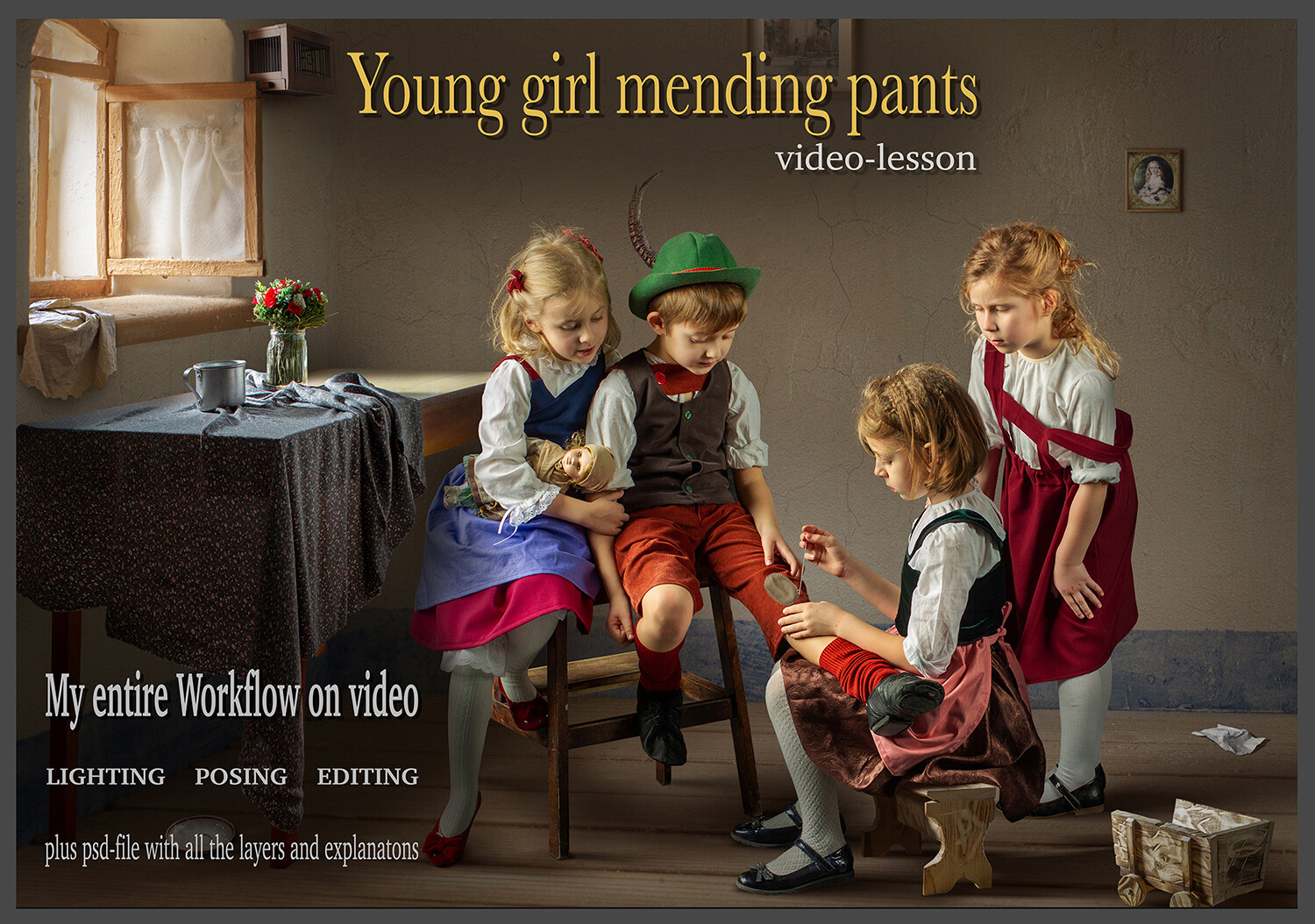
Video lesson “Young Girl mending pants”
$50.00
In stock
Video lesson “Young Girl mending pants”
Product Details
✔ Full step-by-step workflow — 143 minutes
✔ Hair brushes + Oil Paint action included
✔ 30-day money-back guarantee
Video Lesson: Young Girl Mending Pants
Create a fine art composite in the style of the Austrian painter Edmund Adler.
Learn the exact workflow behind this image — from the studio shoot and a handmade miniature set to the final painterly toning. This is not a preset. You see every layer, every step, and why it works.
Why this image looks like a painting
Edmund Adler (1876–1965) was an Austrian painter from Vienna, trained at the Vienna Academy of Fine Arts. He is best known for his warm, cozy scenes of children in rustic interiors — quiet moments of everyday life painted with soft light and rich, earthy colors. His paintings are still loved by collectors around the world.
To bring his paintings to life, the children were photographed in the studio, and the house they sit in is a small handmade model, built by hand especially for this image. In the lesson you will see how these separate pieces are combined into one believable scene — and how toning and painterly texture turn the photograph into a classical painting.
Lesson Preview
Watch a short teaser showing the editing approach used in this lesson.
What you will learn
- how to combine models photographed in the studio with a handmade miniature house
- how to match light, perspective and scale so the composite looks natural
- how to work with fine hair using my hair brushes
- how to recreate the atmosphere of a classical painting
- how to tone the image in the style of Edmund Adler — warm, soft and earthy
- how to add a painterly texture with my Oil Paint Photoshop action
Bonus tools included
My Photoshop hair brushes. Hair is the hardest part of any composite. These are the brushes I use myself to paint natural, fine strands of hair, so the models blend into the new scene without hard, cut-out edges.
Oil Paint Photoshop action. My action that turns a photograph into an oil-painting look in one click: painterly brushstrokes, soft texture and the feel of a real canvas. All layers are named and organized, so you can easily adjust the strength of every effect.
What's included
- 143-minute complete workflow video (MP4, 1080p)
- Layered Photoshop file — the final image with all layers
- 13 element files used to build the composite: models, furniture, fabrics, frames, props and textures
- Set of my hair brushes for Photoshop
- Oil Paint Photoshop action with installation guide
- Step-by-step "Read Me First" guide
- Editing software: Adobe Photoshop
Open the Photoshop file and follow every step layer by layer.
Note: the Oil Paint action works with 8-bit RGB images in the English version of Photoshop.
Download Information
This product is a digital download only.
Your download links will appear right after purchase and will also be sent to your email. Links stay active for 6 months — please download and save the files to your computer.
Total download size: approximately 3.9 GB (video 1.8 GB + lesson files 2.1 GB).
Disk space needed after unzipping: approximately 9.6 GB — the Photoshop files are kept in full resolution.
Please download on a computer with a stable internet connection.
30-day money-back guarantee. Try it risk-free.
Want the complete system?
This lesson is one part of the Fine Art Photoshop Complete Course — 12 lessons, 20 layered PSD files and over 12 hours of real editing.
You May Also Like
For Child Photographers
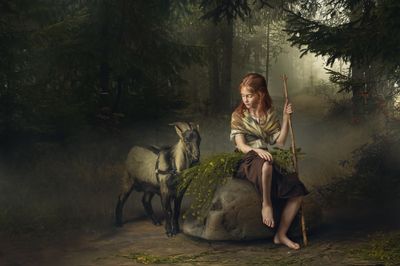
Children Bundle — 8 Lessons
Children Bundle — 8 Lessons
Downloadable fine art Photoshop lessons with layered PSD files. Learn real depth, softness, and atmosphere in child photography — not presets.
$149.00
Most Popular
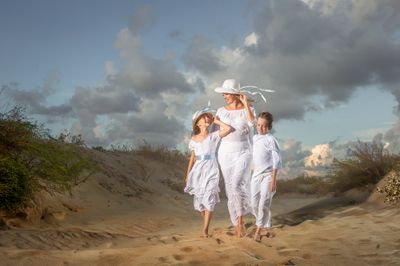
Fine Art Photoshop — Complete Course — 12 lessons
Fine Art Photoshop — Complete Course — 12 lessons
12 complete Photoshop editing lessons. Layered PSD files included. Learn the painterly fine-art workflow — not presets
$199.00
Display prices in:USD