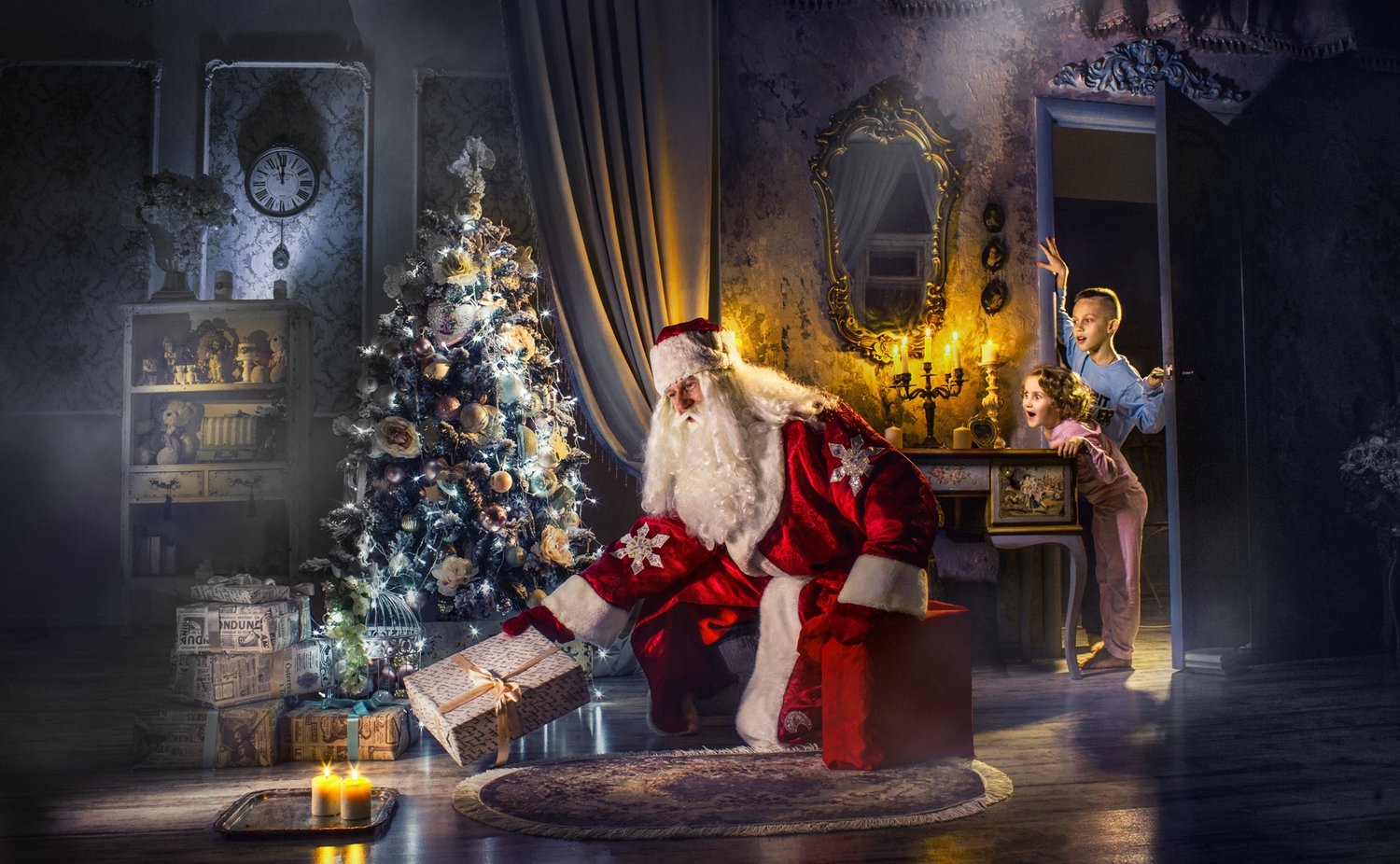
Video_lesson "Christmas photo edit"
SKU 00010
$50.00
Video_lesson "Christmas photo edit"
Product Details
✔ Full step-by-step editing workflow — 22 minutes
✔ Layered Photoshop file with all layers
✔ 30-day money-back guarantee
Video Lesson: Christmas Photo Edit
Turn a studio children's portrait into a painterly Christmas image.
Learn the exact workflow behind this photo — from the studio shot to the final image. This is not a preset. You see every layer, every step, and why it works.
Why this image looks like a painting
This image was created in the spirit of Christmas — to capture the warm, magical mood of the holiday season.
The secret is in the toning. Cool and warm colors are balanced against each other: warm, glowing tones on the children and cool, quiet tones in the shadows and background. This play of cold and warm is what the classical painters used, and it is what makes the photo look like a painting.
Lesson Preview
Watch a short teaser showing the editing approach used in this lesson.
What you will learn
- how to create a festive Christmas mood in a studio children's portrait
- how to tone a photo with a balance of cool and warm colors
- how to make warm light glow on the subjects while keeping the shadows cool
- how to guide the viewer’s eye with color and tonal transitions
- how to give a studio photo a soft, painterly look without presets
What's included
- 22-minute complete editing workflow video (MP4)
- Layered Photoshop file — the image shown above, with all layers and further explanations
- Step-by-step "Read Me First" guide
- Editing software: Adobe Photoshop
Open the Photoshop file and follow every step layer by layer.
Download Information
This product is a digital download only.
Your download links will appear right after purchase and will also be sent to your email. Links stay active for 6 months — please download and save the files to your computer.
Total download size: approximately 1.65 GB (video 110 MB + Photoshop file 1.54 GB).
Disk space needed after unzipping: approximately 3.1 GB.
Please download on a computer with a stable internet connection.
30-day money-back guarantee. Try it risk-free.
Want the complete system?
This lesson is one part of the Fine Art Photoshop Complete Course — 12 lessons, 20 layered PSD files and over 12 hours of real editing.
You May Also Like
Most Popular
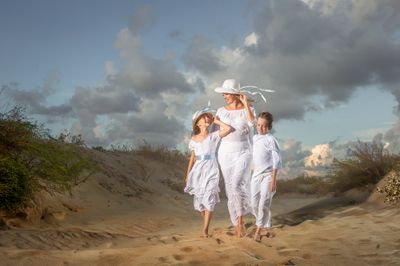
Complete Photoshop Editing Bundle — 12 Lessons
Complete Photoshop Editing Bundle — 12 Lessons
• 12 complete Photoshop editing lessons. Layered PSD files included. Learn the painterly fine-art workflow — not presets. • 30-day money-back guarantee
$200.00
For Child Photographers
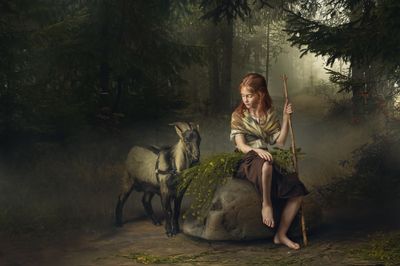
Children Bundle — 8 Lessons
Children Bundle — 8 Lessons
Downloadable fine art Photoshop lessons with layered PSD files. Learn real depth, softness, and atmosphere in child photography — not presets. • 30-day money-back guarantee
$149.00
Display prices in:USD