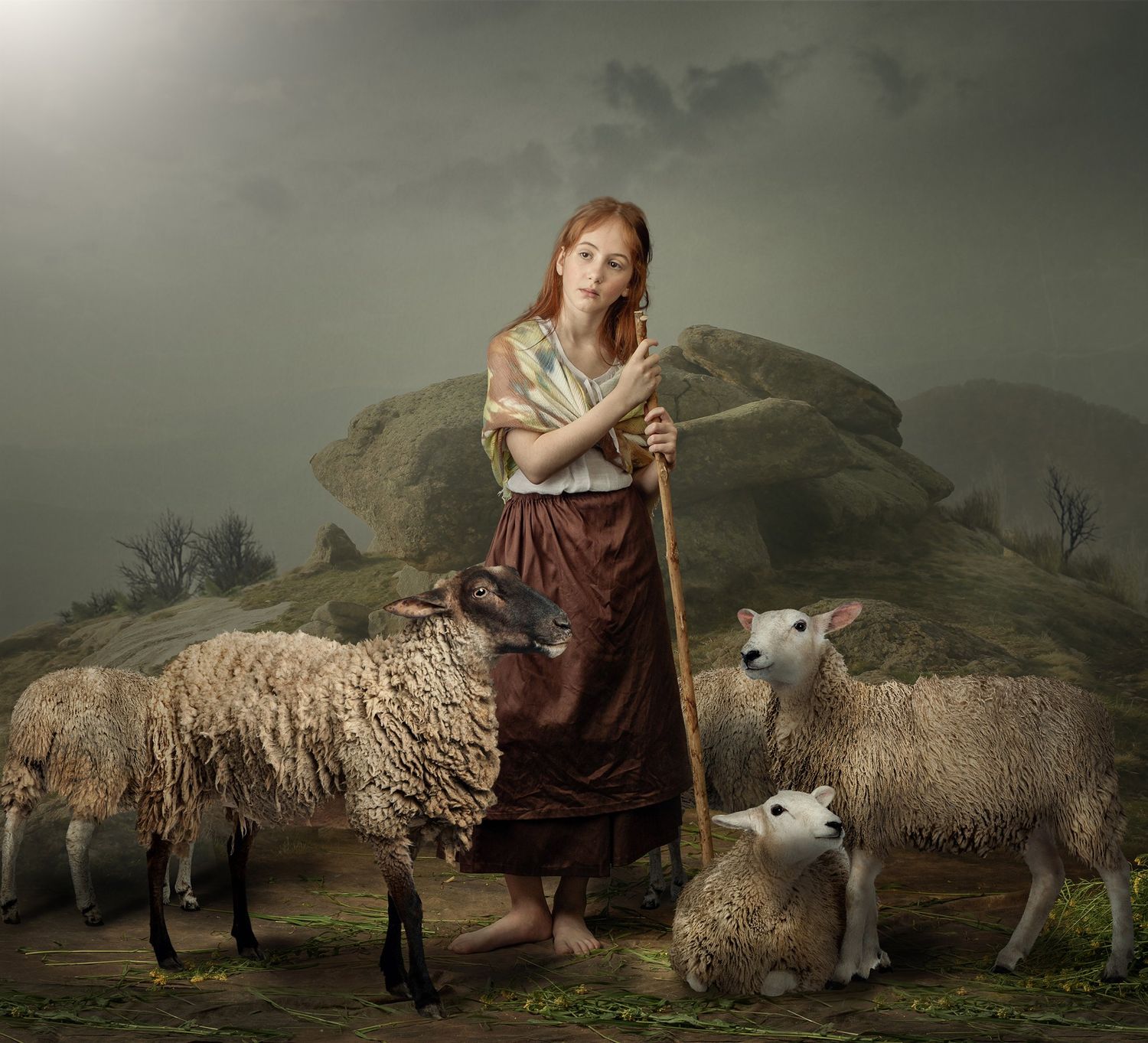
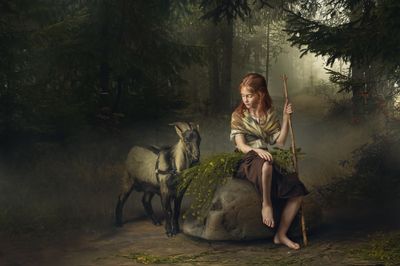
Video lesson "Girl with goat&flowers"
SKU 00012
$50.00
Video lesson "Girl with goat&flowers"
Product Details
✔ Full step-by-step workflow — 2 hours (2 parts)
✔ Advanced compositing of fine hair and animal fur
✔ 4 full-resolution layered Photoshop files
✔ My Photoshop brushes + Oil Paint action included
✔ 30-day money-back guarantee
Video Lesson: Girl with Goat and Flowers
Create a fine art composite in the style of the French painter Emile Munier.
Learn the exact workflow behind this image — from the studio shoot to the final painterly toning. This is not a preset. You see every layer, every step, and why it works.
Why this image looks like a painting
Emile Munier (1840–1895) painted tender scenes of children and animals in the academic style, a synthesis of Romanticism and Neoclassicism. His paintings were highly prized by American art collectors.
To recreate his atmosphere, the work starts long before Photoshop: costumes in the spirit of his paintings, studio light set up to match the mood of a 19th-century canvas, and a real live goat brought into the studio. The lighting scheme is explained in the video.
The heart of this lesson
The models were photographed in the studio, and the background was created from other photographs. To make the composite believable and painterly, the lesson focuses on three things:
- Hair and fur. The girl’s fine hair and the goat’s fur are the hardest part of any composite. You will see in detail how to cut them out and blend them into the new background so the edges look natural.
- Aerial perspective and depth. Using the sfumato technique of the Old Masters, we create an airy atmosphere and soft transitions between foreground and background, giving the image real depth.
- Painterly toning. The colors and tones are built to resemble the paintings of Emile Munier and other classical painters, so the final result reads as a painting, not a photograph.
Lesson Preview
Watch a short teaser showing the editing approach used in this lesson.
What you will learn
- how to light the studio to recreate the atmosphere of a classical painting
- how to combine studio models with a background built from other photographs
- how to cut out and blend fine hair and animal fur naturally
- how to create aerial perspective, airy atmosphere and depth with the sfumato technique
- how to tone the image in the style of Emile Munier and other classical painters
- how to add a painterly texture with my Oil Paint action
What's included
- 2-hour complete workflow video in 2 parts (MP4, 1080p) — Lightroom and Photoshop
- 4 layered Photoshop files in full resolution, so you can study the hair and fur masking in every detail
- My Photoshop brushes used in the lesson
- Oil Paint Photoshop action with installation guide
- Step-by-step "Read Me First" guide
- Editing software: Adobe Photoshop, Adobe Lightroom
Open the Photoshop files and follow every step layer by layer.
Download Information
This product is a digital download only.
Your download links will appear right after purchase and will also be sent to your email. Links never expire — you can download your files anytime.
Total download size: approximately 6 GB (video 1.5 GB + Photoshop files 4.4 GB + brushes and action 18 MB). Please download on a computer with a stable internet connection.
30-day money-back guarantee. Try it risk-free.
Want the complete system?
This lesson is one part of the Fine Art Photoshop Complete Course — 12 lessons, 20 layered PSD files and over 12 hours of real editing.
You May Also Like
For Child Photographers
Children Bundle — 8 Lessons
Children Bundle — 8 Lessons
Downloadable fine art Photoshop lessons with layered PSD files. Learn real depth, softness, and atmosphere in child photography — not presets. • 30-day money-back guarantee
$149.00
Most Popular
Complete Photoshop Editing Bundle — 12 Lessons
Complete Photoshop Editing Bundle — 12 Lessons
• 12 complete Photoshop editing lessons. Layered PSD files included. Learn the painterly fine-art workflow — not presets. • 30-day money-back guarantee
$200.00
Display prices in:USD